File Conventions
Files
Top-Level Folders
Page Map Information pageMap
Nextra collects all your page.mdx files
and _meta files from the Next.js’
app directory
and from Nextra’s
content directory, and then
generates the page map information pageMap of your entire site, to render
things such as the navigation bar and sidebar below:
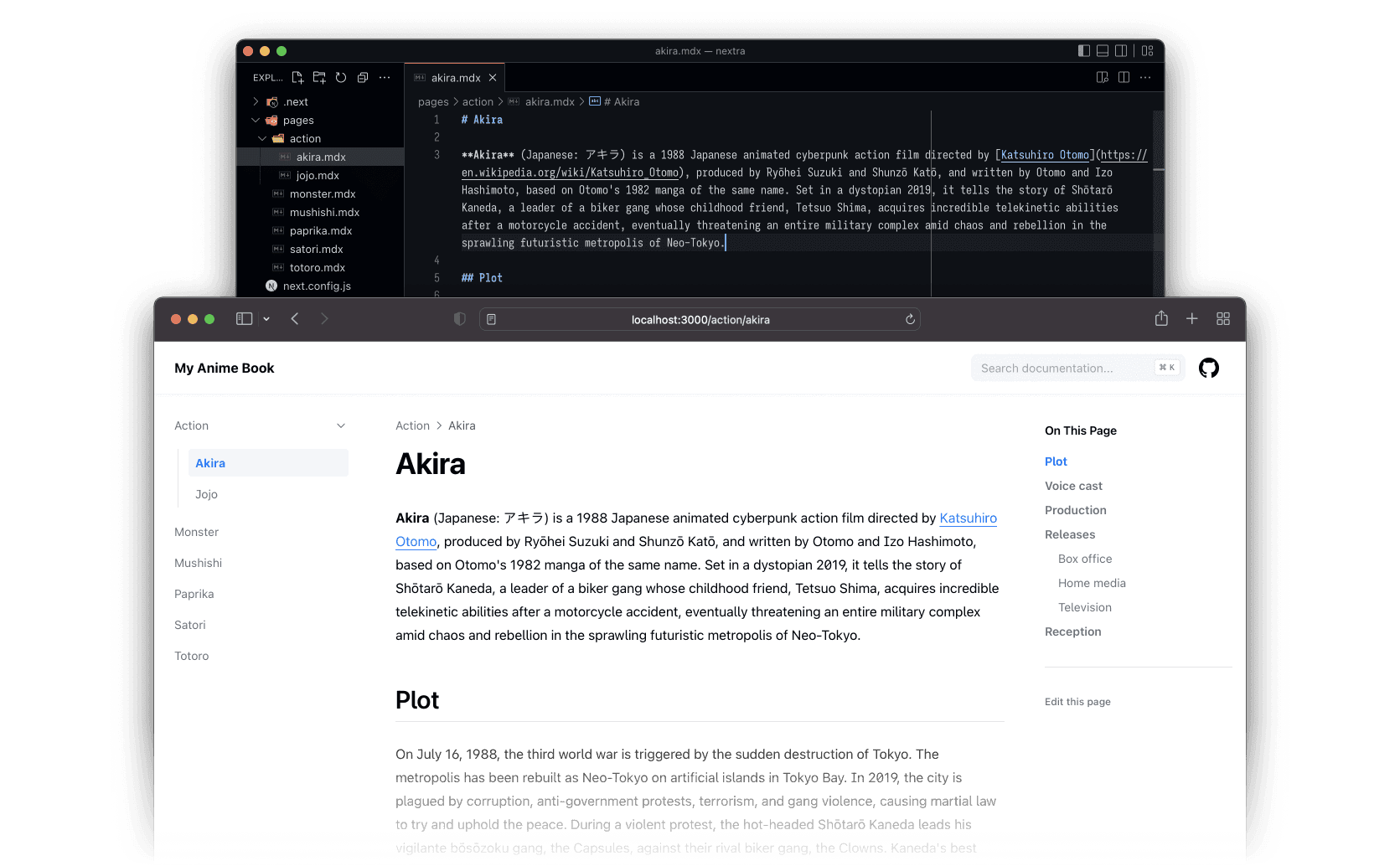
The pageMap contains all .md and .mdx filenames and the directory
structure, sorted alphabetically. Then, Nextra will use the
title package to get formatted page names
from filenames.
For example if you have the following structure:
- page.jsx
- layout.jsx
- _meta.js
- index.mdx
- legal.md
- _meta.js
- contact.md
- index.mdx
With content directory
- page.md
- _meta.js
- page.mdx
- page.md
- _meta.js
- layout.jsx
- page.mdx
With page.mdx files
The resolved pageMap will be:
pageMap
[
  // content/_meta.js
  { "data": {} },
  // content/index.mdx
  { "name": "index", "route": "/", "frontMatter": {} },
  // content/contact.md
  { "name": "contact", "route": "/contact", "frontMatter": {} },
  {
    // content/about
    "name": "about",
    "route": "/about",
    "children": [
      // content/about/_meta.js
      { "data": {} },
      // content/about/index.mdx
      { "name": "index", "route": "/about", "frontMatter": {} },
      // content/about/legal.md
      { "name": "legal", "route": "/about/legal", "frontMatter": {} }
    ],
    "title": "About"
  }
]
And the global pageMap will be imported to each page by Nextra. Then,
configured theme will render the actual UI with that pageMap.
Last updated on